

How to create ombré nails in one move
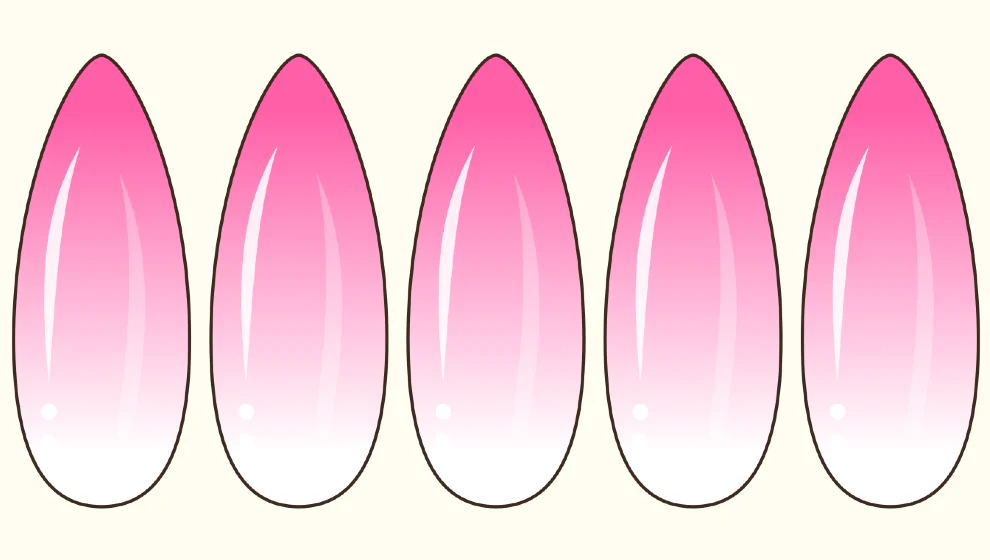
Step by step
Open the colors
Tap the color square at the top right of the board, then the Palette tab.
Choose two colors
In the Ombré card, tap Color 1 and pick a shade, then Color 2. The arrows swap them.
Pick the direction
Top to bottom, left to right, or one of the two diagonals. The preview updates right away.
Apply it
Tap Apply to a nail, then tap each nail you want. The ombré stays ready for the next ones.
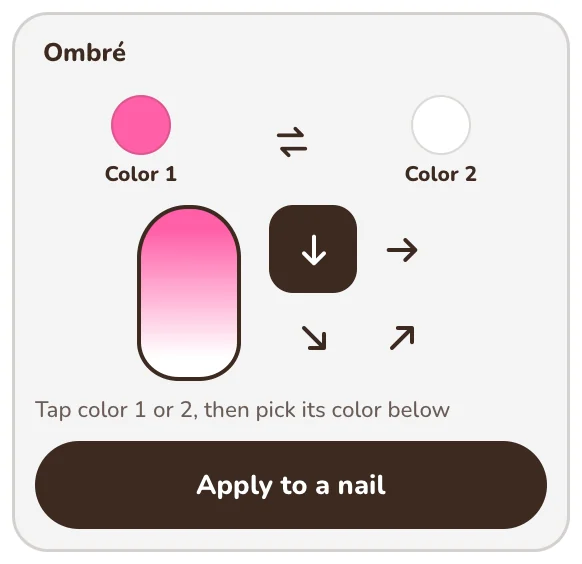
Good to know: Ombré only paints nails. For a gradient on a flower, use a two-color flower and its Decoration colors.
This tool is free.

Coming soon to Google Play