

How to preview a nail set for a client

Step by step
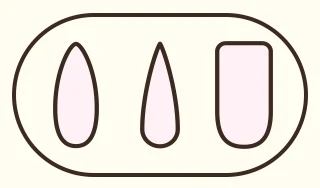
Choose the nail shape
In the tools menu, open Templates and add the nails: almond, stiletto or square.
Start from a reference
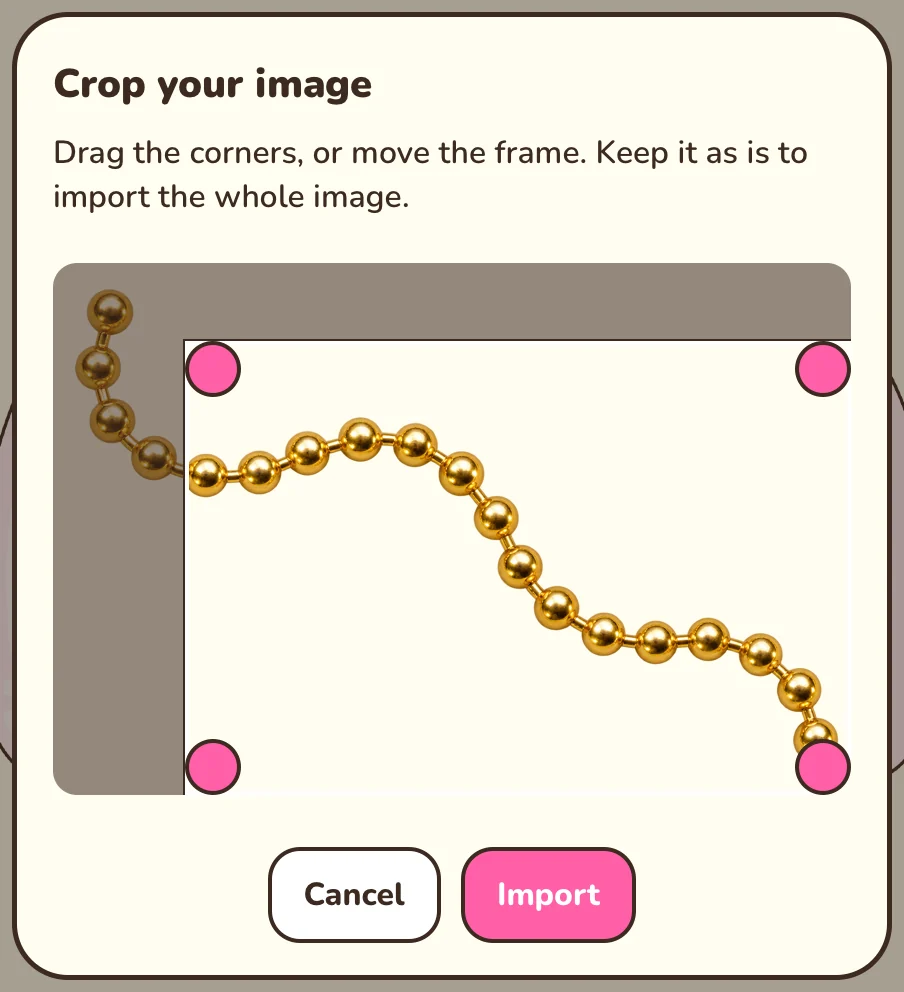
Import image brings in an inspiration photo on its own layer. You can crop it first, then move and resize it.
Build the design
Keep each idea on its own layer: base, French, decorations. It makes the next change much faster.
Export and send
Save the design, then use Export PNG. The free version adds a watermark; Premium removes it.
Good to know: Your designs stay on your device: keep a copy of your favorites if you change phones.
This tool is free.

Coming soon to Google Play