
How to design a French manicure on iPad or iPhone
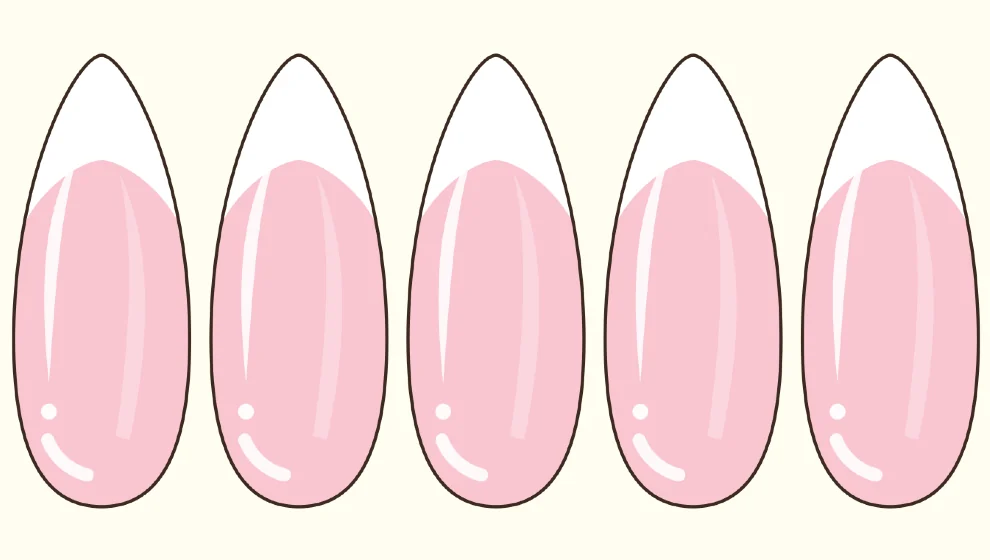
Step by step
Paint the base
Pick a color, open the brushes and choose Bucket, then tap each nail. A soft pink or a nude works well under a white tip.
Open French
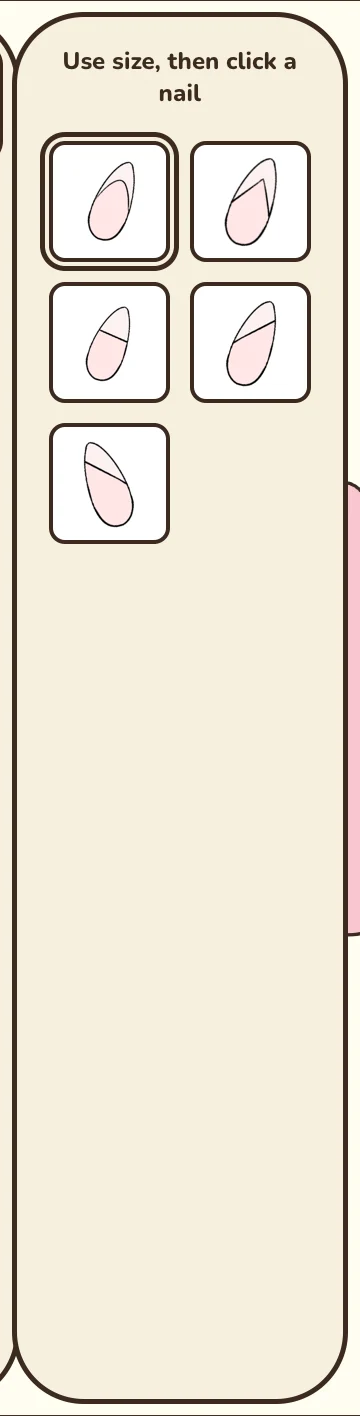
Choose the tip color, tap the sparkle button, then French. Five styles are offered: classic, V, straight, and two side tips.
Set the depth
Use the size slider on the right: the preview shows the tip on the nail before you place it.
Tap a nail
The tip is placed in your current color. Tap the other nails to continue.
Adjust afterwards
Select a French to change its color or depth. The previous edge is erased cleanly.
Good to know: Paint the base first: the tip then sits on top of the color, and you can recolor one without touching the other.
This tool is part of Premium, or can be unlocked for a while by watching a video.

Coming soon to Google Play