

How to design chrome and gold nails
Step by step
Choose your metal
Open the colors, then the Metallic palette: gold, silver, rose gold or bronze.
Apply chrome
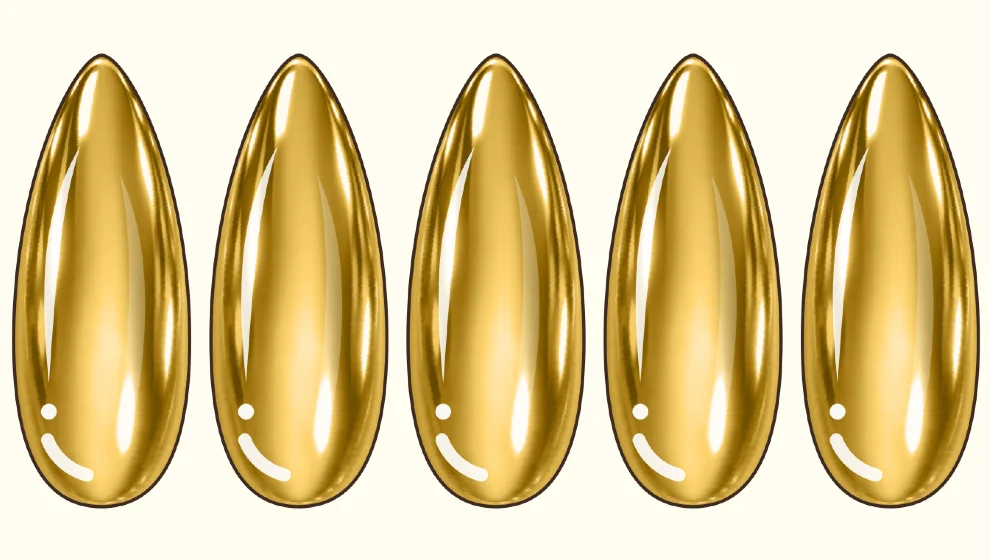
Tap the sparkle button, then 3D metallic and Chrome. Tap a nail: it fills with reflections in your color.
Draw raised lines
Open the brushes, then Brush FX, and choose Gold or Metallic to draw a raised metal line.
Add an outline or a chain
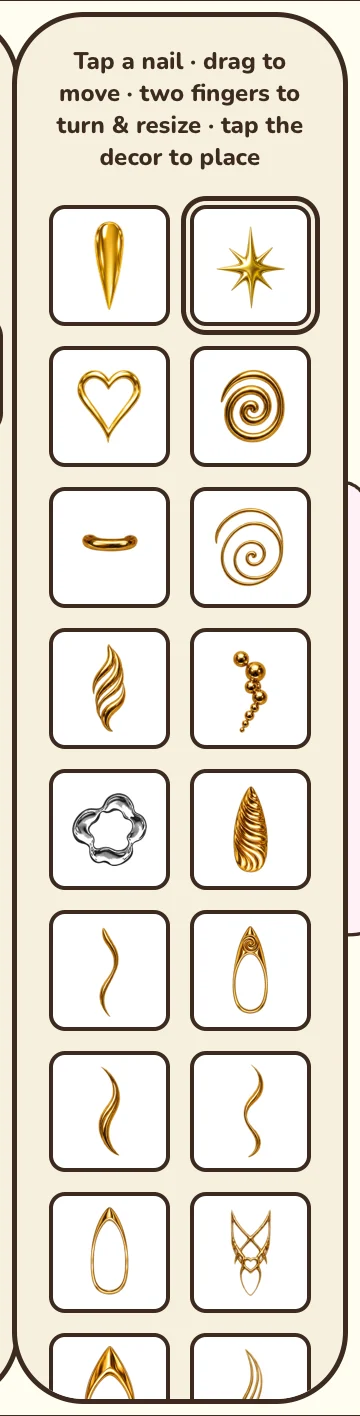
Contour offers a Metallic style that follows the nail edge. The FX box holds gold chains such as Ball Chain, Cuban or Figaro.
Good to know: Pick your color before you tap the nail: chrome uses the current color when it is applied.
This tool is part of Premium, or can be unlocked for a while by watching a video.

Coming soon to Google Play