How to draw 3D gel nail art
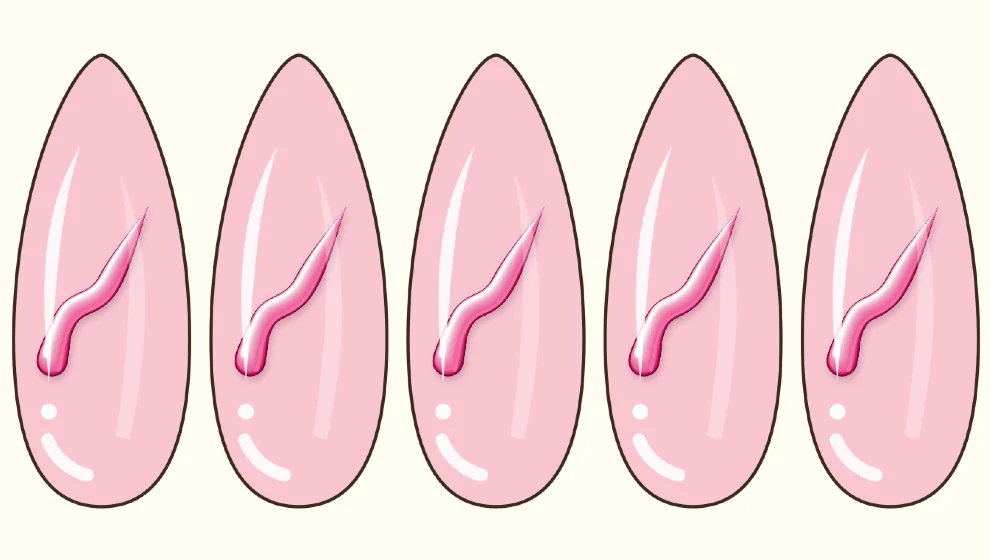
Step by step
Open Brush FX
Open the brushes and tap Brush FX. Choose 3D Gel Stroke, the gel brush or Puffy Jelly.
Choose the color and size
The gel takes your current color. Use the size slider for finer or thicker lines.
Draw on the nail
Draw your swirl. StreamLine, in the stroke settings, smooths the tremor of your hand.
Hold for a perfect shape
Keep your finger still at the end of a stroke: QuickShape turns it into a clean line, arc or half-oval.
Choose over the edge or inside
The round button above the size slider lets the stroke overflow slightly for relief, or keeps it inside the nail.
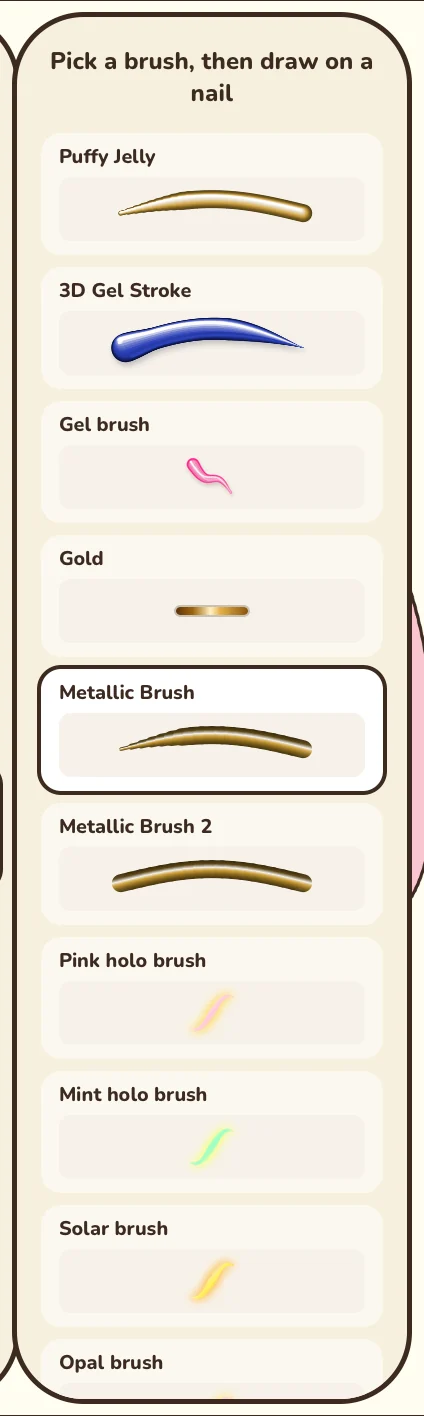
Good to know: Objects too close together? Tap one, then tap it again without dragging to reach the one underneath.
This tool is part of Premium, or can be unlocked for a while by watching a video.

Coming soon to Google Play